Integration
Frontend and SDK Integration
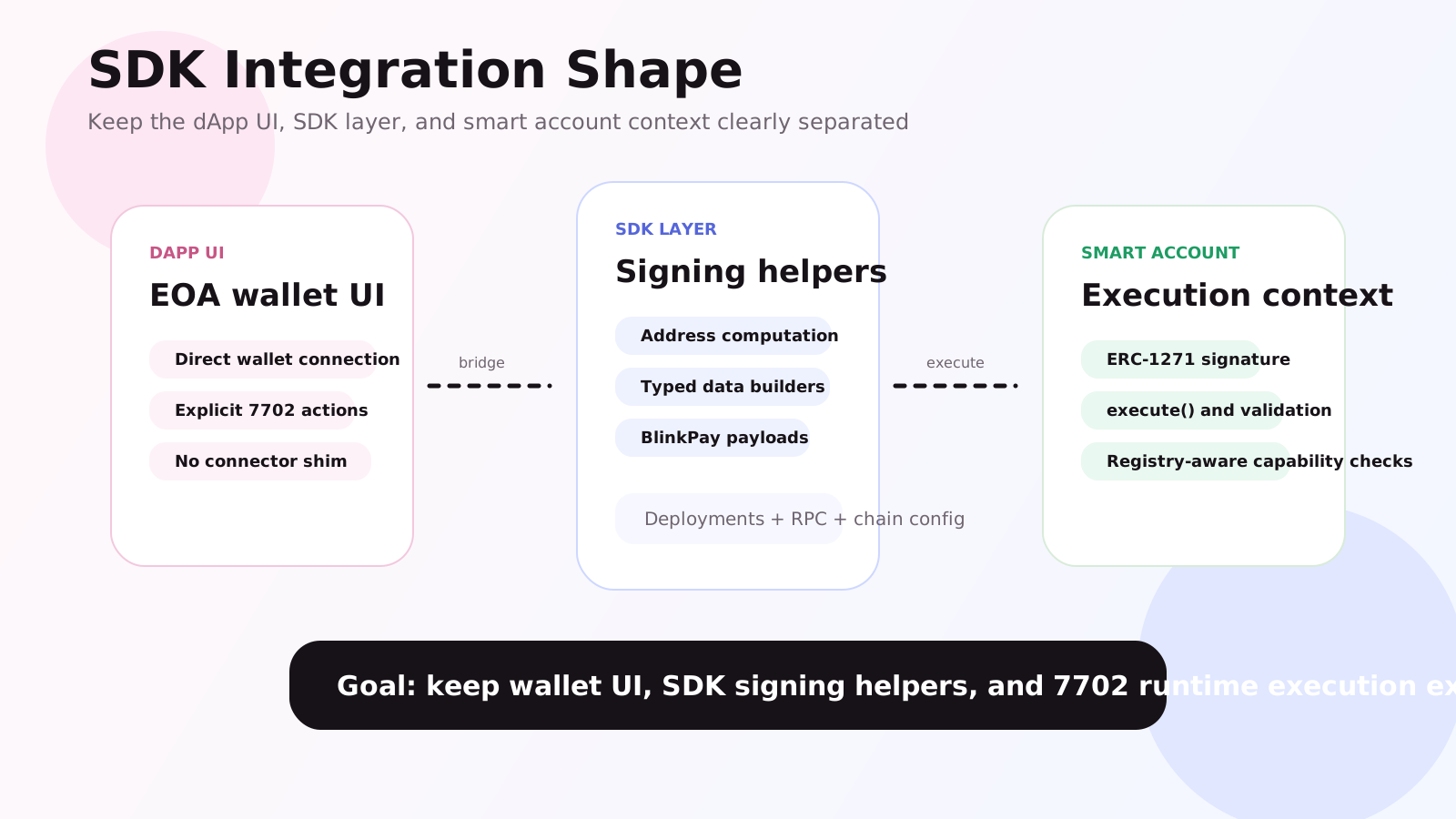
When integrating 1Do, the real concerns are deployment metadata, permission checks, and 7702 runtime context.
3 sectionsfrontend-and-sdk
01
Frontend Entry Points
- The wallet connection layer handles regular EOA connectivity.
- `src/runtime/lib/config.ts` aggregates environment variables and deployment metadata.
- `Activate7702Button` and related wallet components manage runtime detection and activation.
- `WalletGate` is the guardrail for pages that require a 1Do wallet context.
02
Reusable Packages
@1doapp/sdk
ExternalTypeScript SDK for dApps, including smart-wallet address computation and signature flows.
@1doapp/abi
Published ABI JSON exports for frontend and script reuse.
@1doapp/deployments
Per-network deployment metadata for integration and environment setup.
03
Recommended Integration Path
Step 1
Prepare chain addresses
Confirm logic, Registry, and wallet-related deployment addresses first.
Step 2
Wire wallet connectivity
Make sure the frontend connects an EOA first, then detects whether the address uses the 1Do runtime.
Step 3
Check installation and enablement state
Before entering an app flow, verify the wallet has installed and enabled the app.
Step 4
Design around wallet-native capabilities
Prefer reusing wallet-native token and NFT abilities instead of inventing a separate asset-control layer.